What Is the Best Incident Management Workflow Software for Operations Teams?
Incidents rarely fail because your team lacks skill. They fail because intake is scattered across chat threads, triage lives in one person's head, and nobody can prove what happened after the fact. That is usually the moment operations leaders start shopping for workflow software.
This article gives you the criteria that matter: incident intake, triage, escalation, and resolution tracking, plus automation and audit-ready documentation. You will get a side-by-side look at six platforms, including Process Street's compliance-focused approach, and a clear number one pick.
What to Look For in Incident Management Workflow Software
Selecting the right incident management workflow software requires evaluating how well it handles the full incident lifecycle, from detection to postmortem, while fitting your team's operational rhythm. The strongest platforms treat an incident as a structured process, not a single alert that someone happens to notice.
Alerting alone solves only the first mile of the problem. What matters more is structured response, cross-team collaboration, and continuous improvement after the dust settles. A tool that pages someone quickly but leaves triage, communication, and documentation to scattered chat threads will create confusion precisely when clarity is most valuable.
Operations teams should also weigh how the software supports repeatable workflows and clear ownership. Incident response touches the service desk, IT service management, reliability engineering, and DevOps groups at once, so the platform must give every responder a shared view of status, next steps, and accountability.
The sections below break down the core capabilities to compare, from intake and triage through escalation and resolution tracking, along with the automation, integrations, and audit-ready documentation that separate a mature platform from a simple paging tool. Use them as a checklist when shortlisting vendors.
Core Capabilities: Incident Intake, Triage, Escalation, and Resolution Tracking
At a minimum, incident management workflow software must capture incidents from multiple channels, classify them by severity, route them to the right responders, and track resolution progress against SLAs. Each stage has its own requirements, and automation can cut manual effort at every one.
Incident intake should accept reports from email, chat, monitoring alerts, and manual entry so nothing falls through the cracks. Automation can convert a monitoring alert or a service desk ticket into a formal incident record automatically, timestamps included. This reduces the risk of a responder retyping details while a major incident is unfolding.
Triage covers severity levels such as P1 and P2, impact assessment, and assignment to an incident commander or owning team. Rules can set severity based on the affected service or the number of users impacted, then route the record to the right queue without a human gatekeeper.
Escalation depends on on-call scheduling and escalation policies that define who gets notified, in what order, and after how long. Many platforms can spin up a war room or dedicated channel automatically when a P1 incident is declared, pulling responders into one place.
Resolution tracking closes the loop with status updates, mean time to resolution (MTTR) calculation, and SLA compliance reporting. A complete audit trail of every action and decision supports the post-incident review and gives reviewers an accurate timeline to work from.
Automation, Integrations, and Audit-Ready Documentation
Beyond basic tracking, the best platforms automate repetitive tasks, work together with your existing monitoring and communication tools, and produce documentation that satisfies auditors and supports blameless retrospectives. Manual coordination is where response time quietly disappears.
Automation should handle the routine moves: auto-creating an incident channel, triggering the relevant runbook, notifying stakeholders on a schedule, and updating status pages as the situation changes. Each automated step removes a decision from an already stressed responder and keeps the process consistent across incidents.
Integrations matter just as much. Look for connections to the tools your team already uses:
- Chat and collaboration: Slack integration and Microsoft Teams
- On-call and paging: PagerDuty, Opsgenie, and VictorOps
- Monitoring and observability platforms that generate alerts
- Service desk and ITSM systems that hold related tickets and assets
Audit-ready documentation means the platform logs actions, timestamps, and decisions automatically, without relying on someone to reconstruct events afterward. That record supports compliance frameworks such as SOC 2 and ISO 27001 and feeds root cause analysis with reliable evidence.
Blameless retrospectives depend on accurate, complete records. When the timeline is captured as work happens, the postmortem focuses on process improvement rather than on debating who did what and when, which is exactly the culture reliability engineering teams aim to build.
1. Process Street - Best Overall
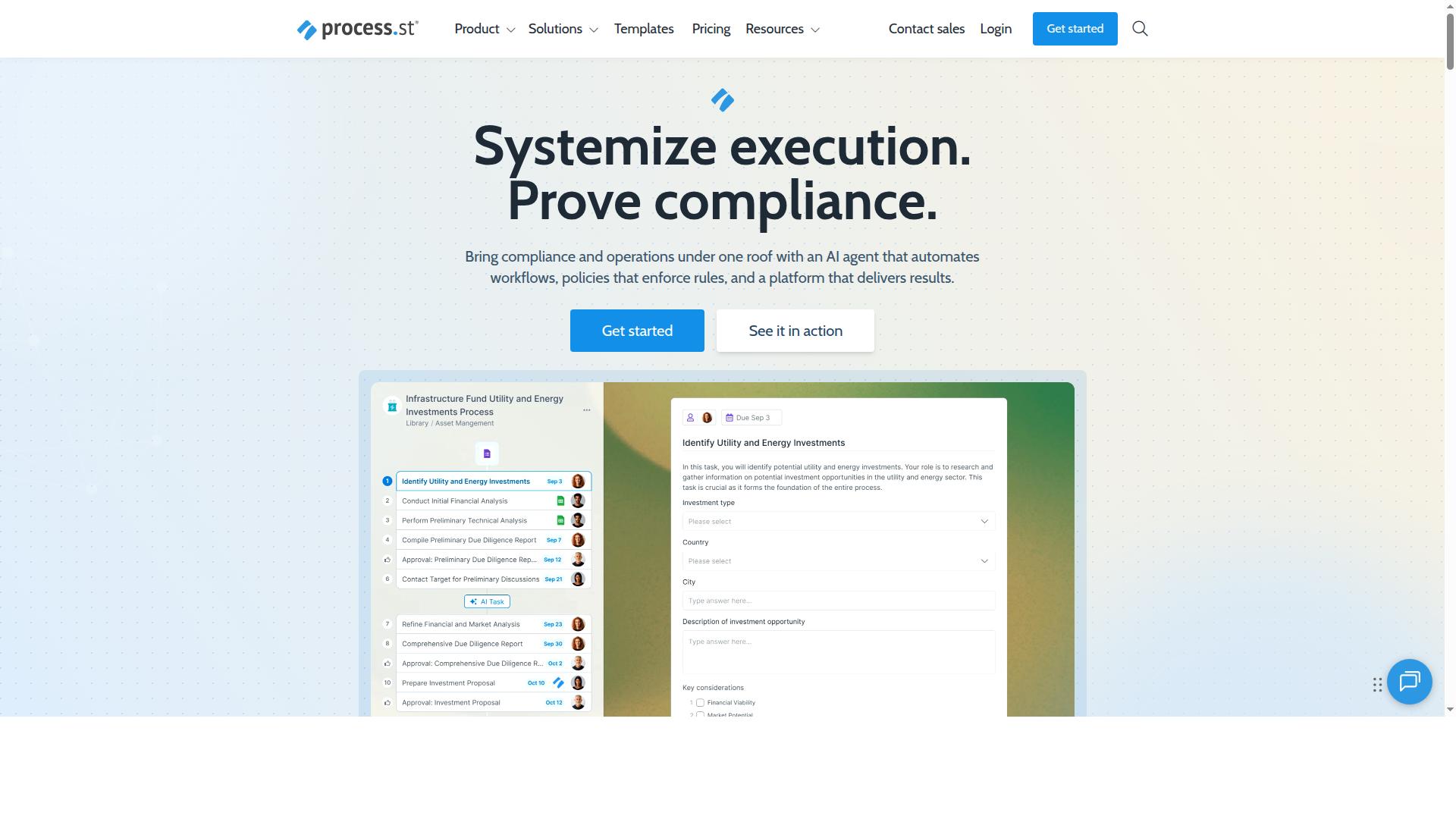
Process Street earns the top spot for its combination of structured incident workflows, compliance-grade documentation, and ease of automation, making it ideal for operations and compliance teams that need audit-ready incident response.
Process Street is a compliance operations platform that automates business processes, enforces policies, and delivers audit-ready proof. It helps organizations standardize processes, prove compliance, and maintain operational consistency across industries.
The platform is built around three products: Docs for document management and policy control, Ops for workflow automation and process orchestration, and Cora, an AI compliance agent that monitors regulations, automates work, and flags risks 24/7. For operations teams, that mix means an incident can move from intake to postmortem inside a single governed system rather than scattered across chat threads and spreadsheets.
With 3,000+ companies and 1m+ users on the platform, Process Street has proven itself in environments where consistency and proof matter as much as speed. The detail below covers how its incident workflows work and what the plans cost.
Incident Workflows, Compliance Controls, and Pricing
Process Street provides pre-built incident response templates, enforces compliance controls at each step, and offers transparent pricing that scales from startups to enterprises.
Operations teams can build structured workflows for each stage of the incident lifecycle: intake, triage, escalation, and resolution. Conditional logic routes a P1 incident differently from a minor one, while approvals keep sign-off explicit before a major incident is closed or a postmortem is published.
Compliance controls run alongside the workflow itself. Automatic audit logs record who did what and when, permission-based access limits sensitive incident data to the right people, and documentation supports frameworks such as SOC 2, ISO 27001, and ISO 9001. Process Street is SOC 2 Type II and ISO 27001 certified, and it is GDPR and CCPA compliant. HIPAA compliance is available with a BAA upon request, and data residency options cover the US, UK, Canada, EU, Australia, and UAE.
Results reported by customers show the operational payoff. IMCD UK reported 30% faster documentation and a 75%+ reduction in setup time. Support responds in 5 minutes on average, with a 98% customer rating.
Pricing breaks into three tiers:
- Startup: a simplified Pro plan with unlimited workflows and tasks, up to 5,000 Data Set records, 5 users, 10 guests, 10 automation apps, 100 automation actions per month, and Public API access at 50 calls per month.
- Pro: unlimited workflows and tasks, up to 10,000 Data Set records, custom users and guests, all automation apps, and custom automation actions and API calls per month. A 14-day free trial is available with no credit card required.
- Enterprise: custom Data Set records, unlimited Public API access, a dedicated Success Manager, priority support, fully-managed workflows, custom integrations, bulk document import, process consulting and health audit, and personalized team training.
For operations teams weighing incident management workflow software, that structure matters. A service desk can start small on Startup, move to Pro as on-call rotations and escalation policies expand, and reach Enterprise when custom integrations and managed workflows become necessary.
2. Appian
Appian is a low-code automation platform that excels at building custom incident management applications, though it may require more development effort than turnkey solutions. Operations teams that need a highly tailored incident workflow can use it as a foundation and shape it around their own processes.
Its core strengths sit in process automation and integration. Appian is designed to connect disparate systems and orchestrate several-step operations, which can help teams route alerts, trigger escalation policies, and coordinate response steps across tools. For organizations with complex approval chains or cross-department incident handling, that flexibility is a genuine advantage.
The tradeoff is complexity and cost. Public commentary on Appian, including a critical write-up from Tallyfy, argues that despite being called low-code, "you still need developers, consultants, and a six-figure budget to get it running." That framing suggests Appian fits enterprises with dedicated developer and consultant resources more than lean operations teams.
Teams should also expect a learning curve and a build-first approach. Appian can be tailored to specific workflows, but it may lack out-of-the-box incident response templates, meaning runbooks, severity levels, and postmortem steps often need to be configured from scratch.
For operations teams weighing Appian, consider it when customization matters more than speed to value. If fast setup, ready-made incident workflows, and lower overhead are priorities, a purpose-built platform may be the better fit.
3. Nintex
Nintex offers robust workflow automation and process mapping tools that can be adapted for incident response, but it is not purpose-built for IT incident management. Its strength lies in helping enterprise teams automate, document, and manage complex business processes without heavy reliance on IT.
For operations teams, that means Nintex can serve as a general-purpose automation layer behind an incident workflow. Low-code and no-code tools let business users build the flows themselves, which reduces the backlog that often builds up when every change needs engineering time.
Where Nintex stands out is process design and documentation. Drag-and-drop design tools, process mapping, document generation, eSign, and robotic process automation cover a wide range of back-office needs, and integration with SharePoint and Office 365 makes it a natural fit for organizations already invested in the Microsoft ecosystem.
Deployment options are flexible. Cloud users can work with Nintex Automation CE, self-hosted teams can use Nintex Automation K2, and Nintex for Salesforce runs inside Salesforce. Pricing is available upon request, and a free demo is offered. Customers rate the product 4.4 out of 5.
That breadth comes with tradeoffs. Reviewers note challenging onboarding, slower support, and an interface that can feel unintuitive at times. Adapting the platform for incident response typically requires customization rather than configuration out of the box.
It also lacks specialized incident features. Teams looking for on-call scheduling, alerting, escalation policies, or Slack and Microsoft Teams integration for a war room will need to build those pieces or pair Nintex with dedicated tools.
In practice, Nintex fits best as a complement rather than a replacement. A team might use it to automate the administrative side of an incident, such as generating postmortem documents or routing approval steps, while a purpose-built platform handles triage, severity levels, and mean time to resolution tracking.
For operations teams weighing options, Nintex is worth a look if workflow automation and document generation are the priority. If faster incident response and lower MTTR are the goal, a tool designed around the incident lifecycle will likely require less customization to get there.
4. ProcessMaker
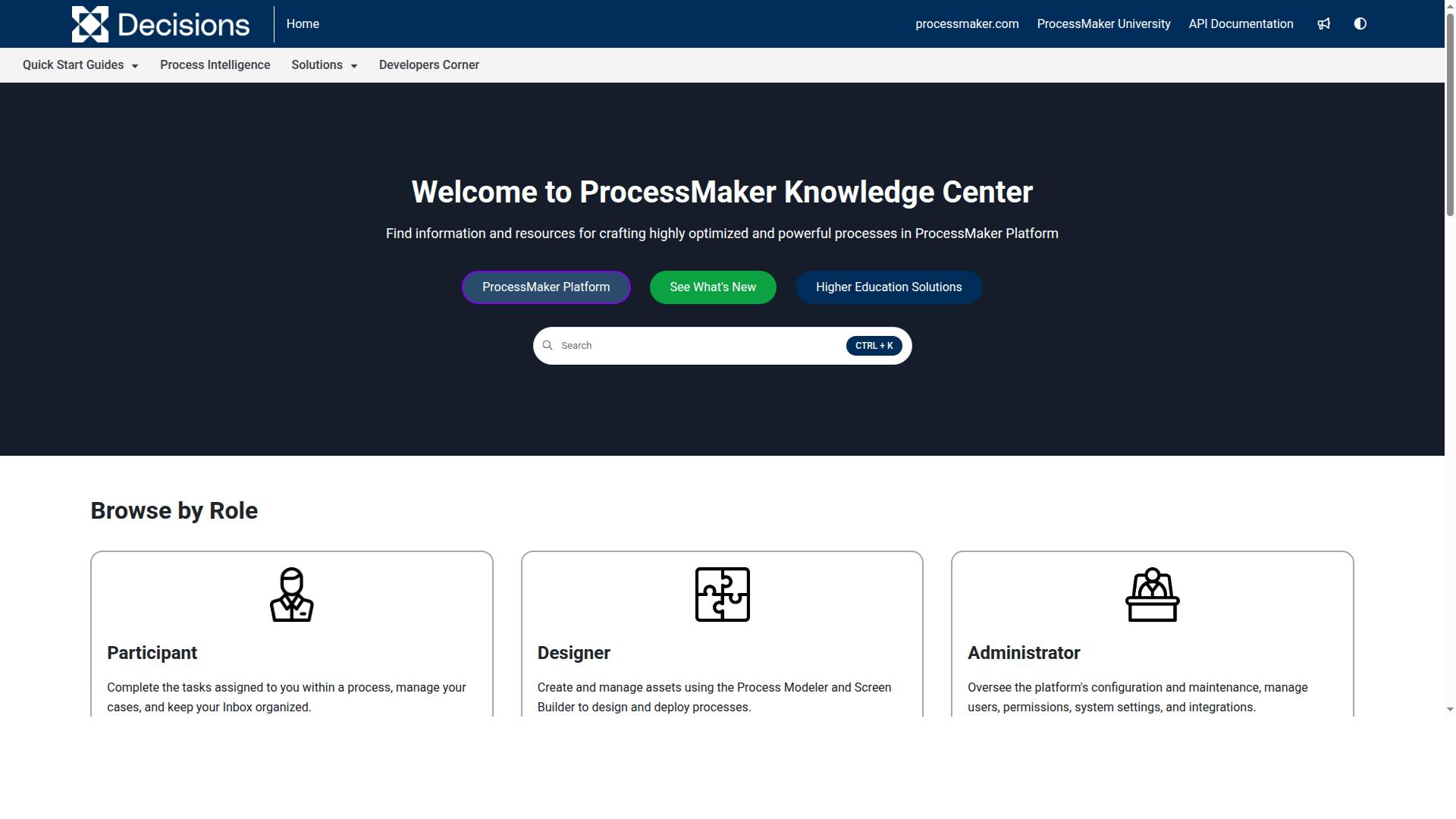
ProcessMaker is an open-source BPM and workflow platform that provides flexibility for custom incident management solutions, but it demands technical expertise to implement and maintain. Teams that want complete control over how an incident workflow behaves may find that openness appealing.
The platform is now part of Decisions and is positioned as a low-code business process management tool for enterprise-grade automation. It appears in comparisons of process documentation software, though its center of gravity is process automation rather than incident response.
Public listings show a G2 rating of 4.3 out of 5 and pricing that starts at $3,000 per month, billed annually. There is no free tier, which makes it a heavier commitment than many tools operations teams evaluate.
For incident management, ProcessMaker can be shaped into a workable system. The tradeoff is that most of the incident-specific logic has to be designed and built by your own team.
- Open-source core that allows deep customization of forms, process flows, and business rules
- Drag-and-drop designer for modeling approval chains, handoffs, and several-step operations
- Integration options that let workflows connect to other systems and data sources
What it does not provide out of the box is incident-specific tooling. There are no native alerting, on-call scheduling, escalation policies, or runbook libraries built around incident response. Teams typically need to model severity levels, triage paths, and escalation logic themselves.
That gap matters for operations teams measuring mean time to acknowledge and mean time to resolution. A generic BPM engine can track a P1 incident through its stages, but it will not page an on-call engineer or open a war room on its own.
Potential cost savings are real for organizations that already have developers and want one platform for many processes. The counterweight is the IT resources required to build, test, and maintain the incident workflow over time.
Smaller operations teams without dedicated engineering support may find the setup burden outweighs the flexibility. Larger enterprises with enterprise BPM needs are the better fit.
ProcessMaker is a credible choice when incident management is one process among many you want to automate on a single platform. Teams that want incident response capabilities ready on day one should weigh that build effort carefully before committing.
5. Tallyfy
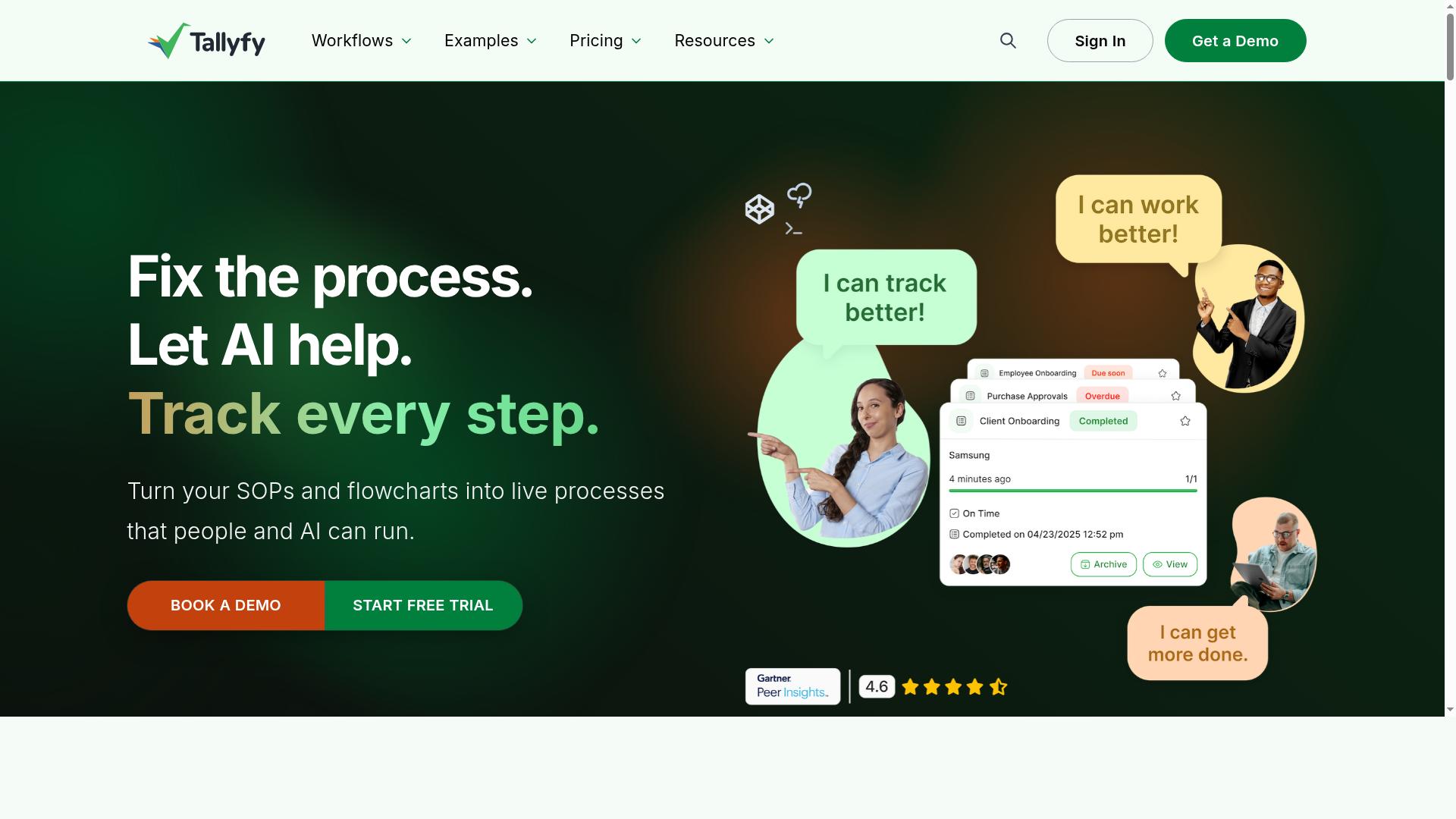
Tallyfy focuses on simplifying process documentation and workflow management, making it a good fit for teams that need to standardize incident response procedures without heavy customization. It is built around turning repeatable steps into structured, trackable processes.
For operations teams, that emphasis on repeatable process tracking can help bring consistency to routine parts of incident handling. A service desk team, for example, could use it to document a triage checklist and confirm each step is completed during a P1 incident.
The interface is generally described as approachable, which matters when responders are under pressure and need to follow a runbook quickly. Teams that value clarity over configurability often find this style of tool easier to adopt.
Tallyfy also offers integrations with other software, including team management tools, and appears in integration listings alongside products such as Basecamp. Slack integration is commonly cited for workflow tools in this category, though teams should confirm the specific connectors they need before committing.
Where Tallyfy may fall short is in advanced incident management features. Capabilities like on-call scheduling, deep monitoring and observability hooks, and automated alerting are typically the domain of dedicated incident response platforms.
That means Tallyfy is likely a better match for process standardization than for full-scale incident orchestration. Operations teams with complex escalation policies or round-the-clock coverage may need to pair it with a specialist tool.
In short, Tallyfy suits teams that want a straightforward way to document and track incident response procedures. Teams prioritizing on-call rotations and monitoring integrations should weigh it carefully against purpose-built alternatives.
6. SweetProcess
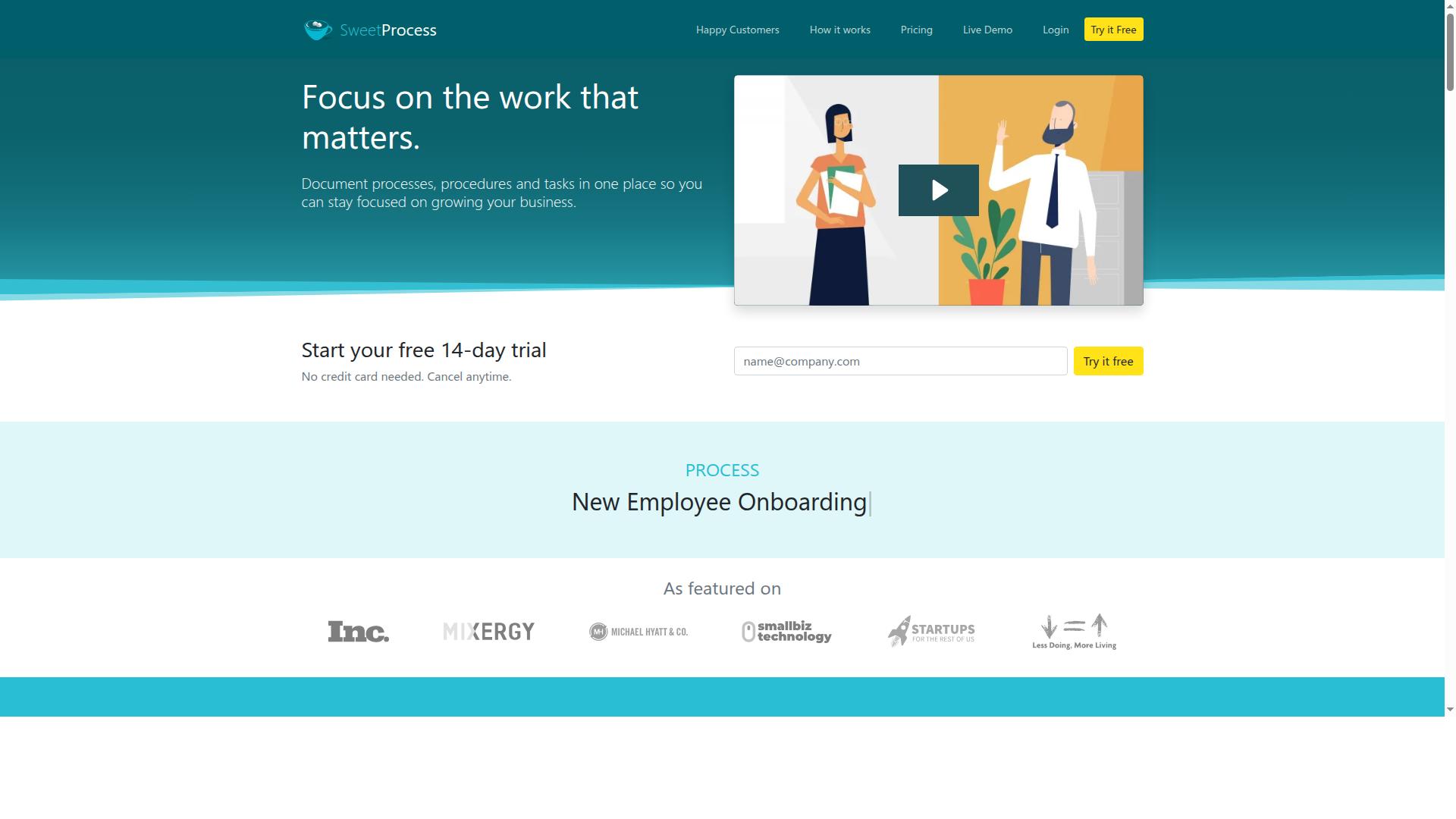
SweetProcess is designed for documenting and managing standard operating procedures, which can be leveraged for incident response playbooks but lacks dedicated incident management capabilities. It is a web-based business process management tool that helps teams capture how work gets done and track tasks from one central place.
For operations teams, the appeal is ease of use when creating SOPs and workflows. Users can build out written procedures, attach flowcharts and process diagrams, and organize everything into a knowledge base. That makes it a reasonable home for runbooks and escalation documentation that support incident response.
Collaboration features are a core part of the product. Teammates can suggest edits and improvements to procedures, and administrators can approve or reject those suggestions. Tasks can be assigned and tracked remotely from a central dashboard, so ownership of documented steps stays visible. Two-factor authentication is available to secure sensitive SOPs.
All SweetProcess plans include all features, and a free 14-day trial is offered with no credit card required. It suits businesses that mainly want to document procedures and support growth.
Where SweetProcess falls short for incident management is in real-time response. It does not provide alerting, on-call scheduling, or live incident tracking. There is no built-in mechanism to page the right engineer at 2 a.m., manage escalation policies, or follow a P1 incident as it unfolds. Teams would need to pair it with separate monitoring and paging tools to close that gap.
That makes SweetProcess a useful documentation layer rather than a full incident management workflow platform. If your priority is capturing and standardizing procedures, it fits well. If you need detection, triage, and resolution tracking in one system, look for tools built specifically for that purpose.
How to Choose the Right Option
Choosing the right incident management workflow software depends on your team's size, incident volume, compliance requirements, and existing toolstack. There is no universal winner. A five-person startup and a 2,000-seat enterprise have very different needs, and the tool that fits one will frustrate the other.
Start by mapping your current incident response process. How do incidents get reported today? Who triages them, and how are severity levels assigned? If your team relies on a shared inbox and tribal knowledge, almost any structured tool will help. If you already run alerting through PagerDuty or Opsgenie, focus on tools that complement that stack rather than replace it.
Then weigh four practical factors:
- Team size and roles. Small ops teams need simplicity. Large enterprises need role-based permissions, audit trails, and customization.
- Incident volume and severity. Frequent P1 incidents demand automation, on-call scheduling, and MTTR tracking. Rare, low-severity issues can survive on manual runbooks.
- Compliance obligations. If you face SOC 2, ISO, or HIPAA audits, your incident records must be documented, traceable, and consistent.
- Integrations and budget. Check how the tool connects with Slack, Microsoft Teams, monitoring platforms, and your service desk before you commit.
Process Street suits teams that need compliance and structure around incident workflows. It is HIPAA compliant with a BAA available upon request, offers data residency options in the US, UK, Canada, EU, Australia, and UAE regions, and never uses customer data to train AI models. Other tools fit different niches, so match the choice to your actual constraints rather than the longest feature list.
Matching Workflow Software to Your Team Size and Incident Volume
Small teams with low incident volume may prioritize ease of use and affordability, while larger teams with high-volume, high-severity incidents need automation, escalation policies, and analytics. The table below gives a starting framework by team size.
| Team Size | Typical Priorities | Software to Consider |
|---|---|---|
| 1 to 50 users | Simplicity, fast setup, low cost | Tallyfy or SweetProcess for straightforward process documentation |
| 50 to 500 users | Balance of structure, automation, and compliance | Process Street or Nintex |
| 500+ users | Customization, governance, scale | Appian or ProcessMaker for deep customization |
Incident volume matters just as much as headcount. Low-volume teams can often manage with documented runbooks and a shared escalation path. High-volume teams need automation, on-call scheduling, and MTTR tracking built into the workflow, because manual coordination breaks down once alerts arrive faster than people can triage them.
For mid-sized operations teams, Process Street offers a practical middle ground. Its pricing scales with users and automation actions, and the plans run from a simplified Startup tier with 5 users and 100 automation actions per month up to Pro and Enterprise tiers with custom automation actions and API calls. Enterprise adds a dedicated Success Manager, priority support, and process consulting. A 14-day free trial on the Pro plan requires no credit card, which lets teams validate fit before committing.
Consider your industry as well. Financial services and healthcare teams often weight compliance evidence heavily, while technology and SRE groups tend to prioritize Slack integration, alerting hooks, and postmortem workflows. Match the tool to the incidents you actually handle, not the ones you imagine.
Final Verdict
After evaluating the options, Process Street stands out as the best overall choice for teams that need a structured, compliant, and automated approach to incident management. Its combination of documented workflows, strong compliance controls, and flexible pricing gives operations teams a practical foundation for incident response and postmortem work.
Process Street is trusted by 3,000+ companies and 1m+ users, and it holds SOC 2 Type II and ISO 27001 certifications. Teams using the platform report 30% faster documentation, a meaningful gain for incident records, runbooks, and blameless retrospective write-ups that must be accurate and audit-ready.
Compliance controls are the clearest differentiator. The Docs product provides document management and policy control with full governance for ISO 9001, SOC 2, SOX, and FDA requirements. For operations teams managing a service level agreement, severity levels, and escalation policies, that governance turns incident management from ad hoc coordination into a repeatable, auditable process.
Automation and orchestration round out the case. Workflows can be automated, and integrations include Zapier, Microsoft Power Automate, Tray.io, Make, and Public API access, so incident response can connect to the tools a team already uses. The Cora AI compliance agent monitors regulations, automates work, and flags risks around the clock.
Pricing flexibility matters for teams of different sizes:
- Startup: a simplified Pro plan with unlimited workflows and tasks, 5 users, 10 guests, and 100 automation actions per month.
- Pro: unlimited workflows and tasks, custom users and guests, all automation apps, and custom automation and API limits, with a 14-day free trial and no credit card required.
- Enterprise: dedicated Success Manager, priority support, custom integrations, bulk document import, and process consulting.
Other tools may suit specific needs better. Dedicated alerting and on-call scheduling platforms are strong for paging and escalation, and observability suites fit deep monitoring work. But for operations and compliance teams that need incident management, runbooks, root cause analysis, and postmortem documentation in one governed place, Process Street offers the best balance of structure, automation, and price.
Get Started with Process Street
Ready to streamline your incident management workflows? Contact Process Street's sales team or explore their plans to see how they can help your team respond faster and stay compliant.
Process Street is trusted by 3,000+ companies and 1m+ users, which matters when your operations team needs a workflow platform that has already proven itself across real production environments. For incident management, that track record translates into confidence that your runbooks, escalation steps, and postmortem templates will hold up when a P1 incident hits.
Every plan is built on unlimited workflows and tasks, so your team can standardize incident response without worrying about hitting a ceiling mid-incident. The 14-day free trial on the Pro plan requires no credit card, which gives your team room to test runbooks and escalation policies against real scenarios before committing.
Support is available through email and chat, with a 5 minutes average response time and a 98% customer rating. For operations teams running on-call rotations, that kind of responsiveness matters when you need a question answered while an incident is still open.
Data residency options are available in the US, UK, Canada, EU, Australia, and UAE, which helps teams with regional compliance obligations keep incident records where they need to be. Process Street is also HIPAA compliant, with a BAA available upon request, and your data is never used to train AI models.
You can also find Process Street on AWS Marketplace if your organization prefers to procure software through its existing cloud agreements. To reach the sales team, use the contact sales option on the Process Street website, or start a conversation through chat support to ask about plan fit and data residency for your region.
Frequently Asked Questions
What makes Process Street a good fit for an operations team's incident management workflow?
Process Street is a compliance operations platform that automates business processes, enforces policies, and delivers audit-ready proof - which maps directly onto incident response, where consistency and documentation matter. Its Ops offering turns policies into AI-powered workflows, so operations teams can standardize how incidents are triaged, escalated, and resolved. It's trusted by 3,000+ companies and 1m+ users, with 75%+ reduction in setup time reported by IMCD UK.
Can Process Street handle the automation and integrations an incident workflow needs?
Yes. Process Street includes Automations, Apps, Analytics, and Process AI as platform features, with integrations including Zapier, Microsoft Power Automate, Tray.io, Make, and Public API access. Automation capacity scales by plan - the Startup plan includes 10 automation apps and 100 automation actions/month, while Pro offers all automation apps with custom automation actions and API calls per month.
Is Process Street secure and compliant enough for incident and audit records?
Process Street is SOC 2 Type II and ISO 27001 certified, and GDPR, CCPA, and AWS CIS compliant, with HIPAA compliance and a BAA available upon request. Data residency options are available in the US, UK, Canada, EU, Australia, and UAE regions, and data is never used to train AI models. Its Docs offering provides document management and policy control with full governance for frameworks like ISO 9001, SOC 2, SOX, and FDA.
How does Process Street's pricing work, and can we try it first?
There's a 14-day free trial on the Pro plan with no credit card required. Paid tiers include Startup (a simplified Pro plan for startups, with unlimited workflows and tasks, up to 5,000 Data Set records, 5 users, and 10 guests), Pro (unlimited workflows and tasks, up to 10,000 Data Set records, and custom users/guests), and Enterprise (custom Data Set records, unlimited Public API access, a dedicated Success Manager, priority support, and custom integrations).
How does Process Street compare with low-code BPM tools like Appian, Nintex, or ProcessMaker?
Process Street is purpose-built for standardizing processes, proving compliance, and maintaining operational consistency, rather than requiring heavy development work. By contrast, low-code platforms can carry a steeper implementation burden - for example, ProcessMaker is listed as starting at $3,000/month billed annually with no free tier, and Appian has been characterized as needing developers, consultants, and a six-figure budget to get running. Process Street also offers a no-credit-card free trial so teams can validate fit before committing.
What support and onboarding help does Process Street provide?
Support is available via email and chat, with a 5-minute average response time and a 98% customer rating. Enterprise plans add a dedicated Success Manager, priority support, fully-managed workflows, custom integrations, bulk document import, process consulting and a health audit, and personalized team training. Process Street is also available on AWS Marketplace, and you can contact sales to discuss your incident management setup.